Business Access Control and Entry Management Guide
A practical guide for business owners who want to understand access control systems, from keycards and fingerprint readers to magnetic locks, permissions, and pre-installation planning.
นายฤทธิชัย สาน้อย (Rittichai Sanoi)
Founder & COO, NPTech Solutions
What Is Access Control?
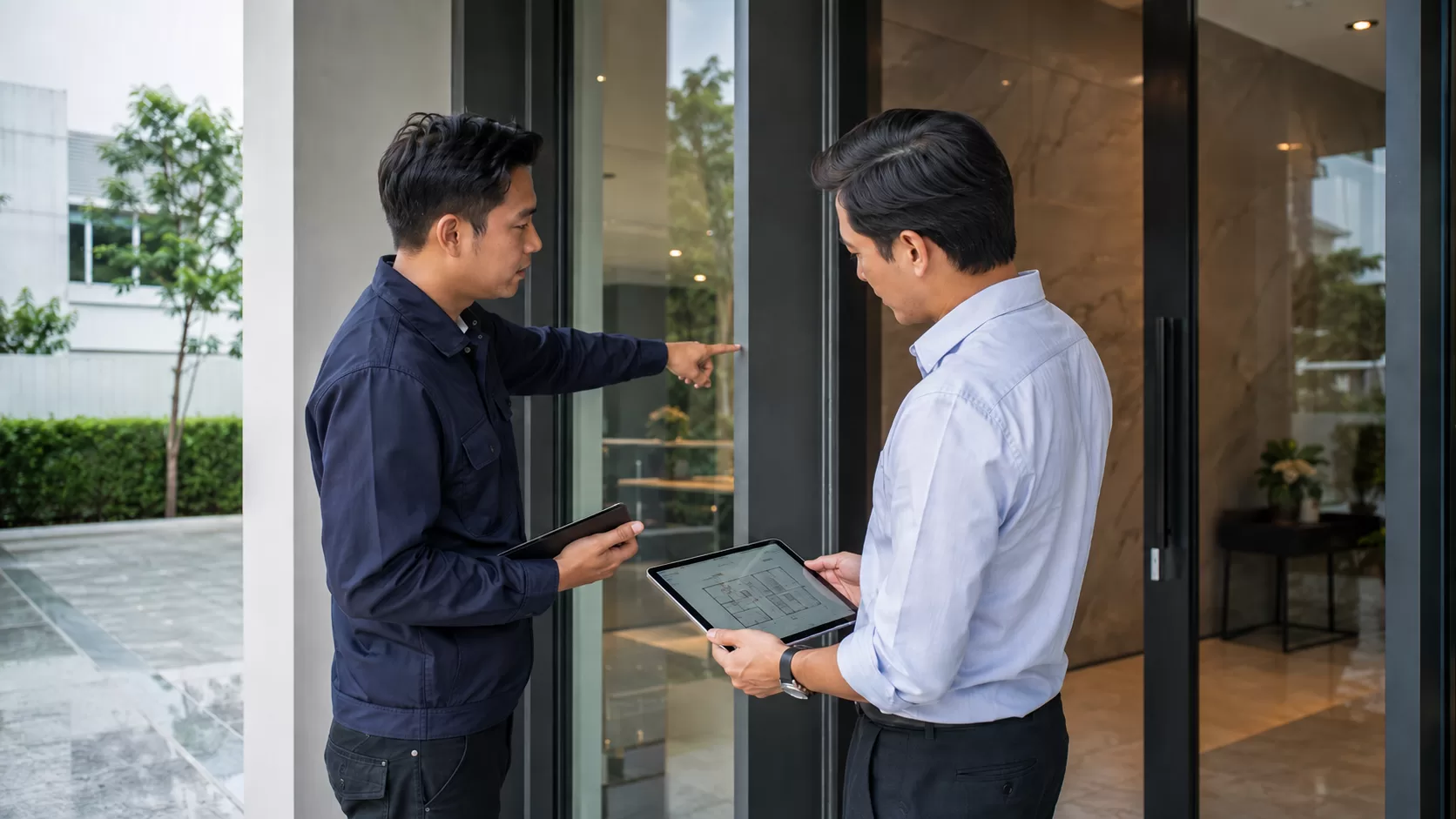
Access Control is an electronic security system that manages entry into physical spaces using digital credentials instead of mechanical keys. Credentials can include RFID keycards, biometric fingerprints, facial recognition, PIN codes, or mobile smartphone passes.
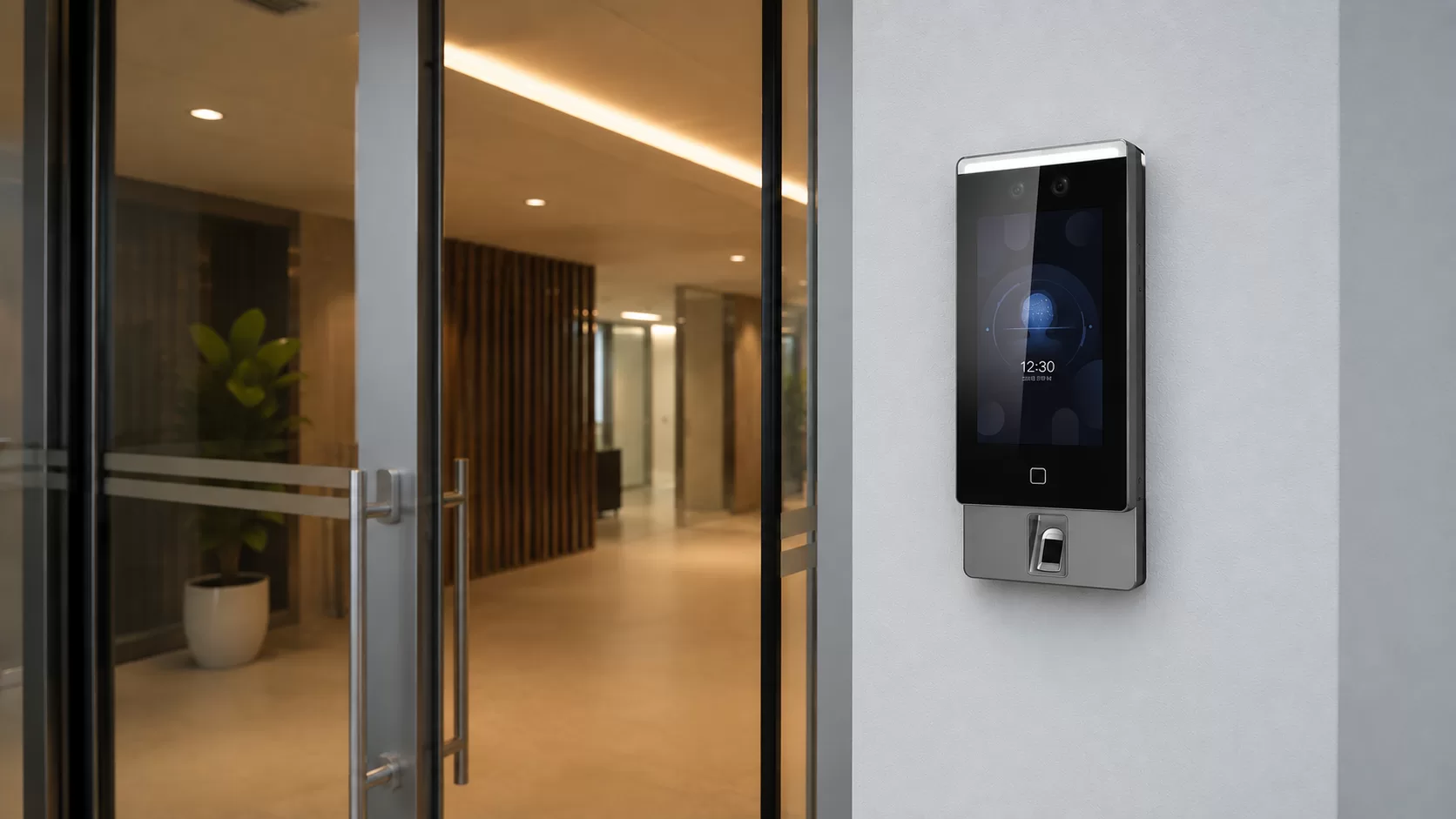
The system operates as a real-time digital gatekeeper. When a user presents a credential, the reader verifies their permissions. If authorized, the system signals the electric lock to release. If unauthorized, access is denied and the event is recorded in the system audit log.
For businesses, the true value extends beyond locking doors: it delivers centralized permission management and an immutable audit trail, ensuring only authorized personnel access sensitive facilities while keeping an accurate record of movements.
Why Businesses Should Not Rely Only on Traditional Keys
Traditional mechanical keys may suffice for single-room residential properties, but for businesses managing staff, sensitive documents, inventory, and shared spaces, physical keys quickly become a critical vulnerability.
Key limitations of mechanical keys for commercial facilities include:
- High cost of lost keys: When a physical master key is lost, locks across the facility often require complete replacement and re-keying.
- No time-based restrictions: A physical key works at any hour of the day, with no way to prevent after-hours entry.
- Uncertainty upon staff offboarding: Business owners cannot guarantee that duplicates were not cut before physical keys were returned.
- Zero accountability and audit trails: When assets disappear or restricted rooms are breached, physical locks provide no record of who entered or when.
Modern access control solves these issues by shifting management to software, enabling administrators to grant, modify, or revoke permissions instantly without changing hardware.
How Access Control Works in Real Site Conditions
On-site commercial access control operates through six interconnected hardware and software subsystems:
- 1. User Credentials: RFID smart cards, biometric templates (fingerprint/face), PIN codes, or encrypted mobile credentials.
- 2. Access Readers: Mounted adjacent to the entryway to capture credentials and transmit data to the controller.
- 3. Intelligent Controller: The central processing unit storing permission databases, time schedules, and event logic.
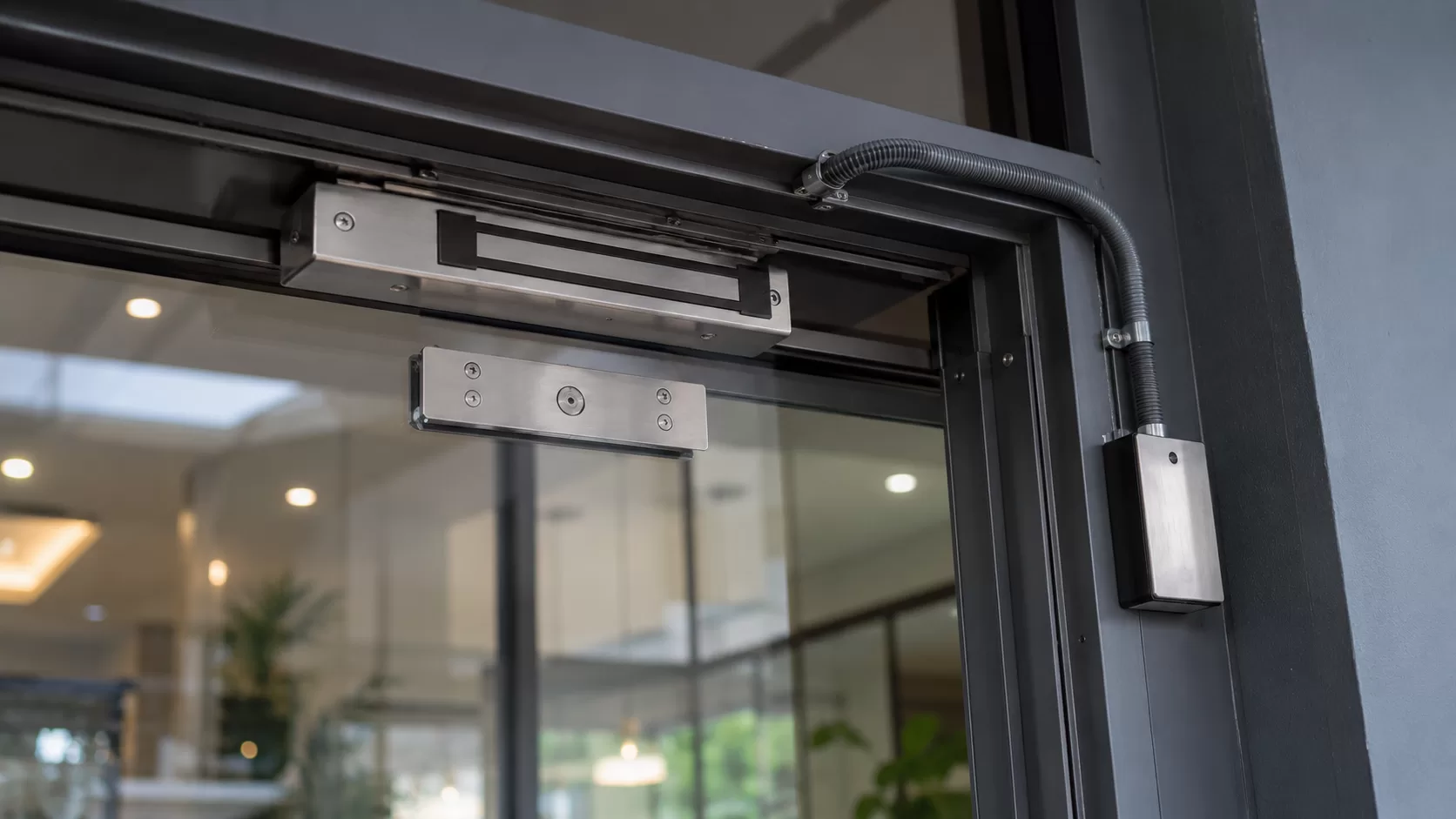
- 4. Electric Locking Hardware: The electromechanical locking mechanism matched to the physical door profile.
- 5. Egress & Exit Devices: Push-to-exit buttons, touchless infrared wave sensors, or architectural emergency panic bars.
- 6. Management Platform: Centralized software for provisioning users, managing access groups, and generating audit reports.
Locking Hardware Selection by Door Type
Selecting the correct locking hardware dictates long-term reliability and physical security:
- Electromagnetic Locks (Maglocks): Utilize continuous magnetic holding force (typically 600 lbs or 1,200 lbs). Ideal for aluminum frame, timber, and frameless glass doors (paired with engineered U-brackets or LZ brackets). Highly durable with zero moving parts.
- Electric Dropbolts: Employ a heavy-duty motorized solenoid pin. Ideal for frameless glass doors that swing both inwards and outwards (double-action doors).
- Electric Strikes: Installed into the existing door jamb for wooden or metal frames, allowing mechanical latch engagement with electronic release.
Fail-Safe vs. Fail-Secure Engineering Principles
Understanding power-failure behavior is paramount for life safety and asset protection:
- Fail-Safe (Power Loss Releases Lock): In the event of a power outage or fire alarm trigger, the lock releases automatically. Required on building egress paths and emergency exits to guarantee life safety.
- Fail-Secure (Power Loss Maintains Lock): If power is severed, the door remains physically locked. Applied to server rooms, archives, and high-value storage, paired with battery backup systems (UPS) and keyed mechanical overrides.
- Emergency Break-Glass Units: Every electric door system should feature an analog green break-glass emergency release on the interior wall to physically cut power to the lock during electrical malfunctions.
Which Businesses Benefit Most from Access Control?
Access control is not restricted to multinational corporations; it is critical for any organization where space access must be segmented:
- Corporate Offices: Track staff presence and restrict access to accounting departments, executive suites, and conference rooms.
- Warehouses & Logistics Hubs: Control perimeter loading docks, protect high-value inventory, and partition driver reception zones from storage floors.
- Clinics & Healthcare Facilities: Protect pharmaceutical storage, laboratory equipment, and medical records from public areas.
- Hotels, Serviced Apartments & Coworking: Secure guest accommodations with automated credential expiration upon checkout or membership end.
- IT Server Rooms & Network Closets: Protect mission-critical rack infrastructure and fiber distribution panels from unauthorized tampering.
Strategic Business Benefits of Access Control
The strategic impact of access control lies in operational visibility, risk mitigation, and automated governance:
- Granular Role-Based Permissions: Partition staff, cleaners, management, and contractors into distinct permission profiles matching their exact job functions.
- Instant Credential Deactivation: HR or security administrators can revoke user credentials in seconds without hardware adjustments.
- Automated Time Scheduling: Program public doors to automatically unlock during business hours and lock securely off-hours, while limiting vendor access to approved windows.
- Comprehensive Event Auditing: Every access attempt—granted or denied—is timestamped with the user identity, providing clear records for operational oversight.
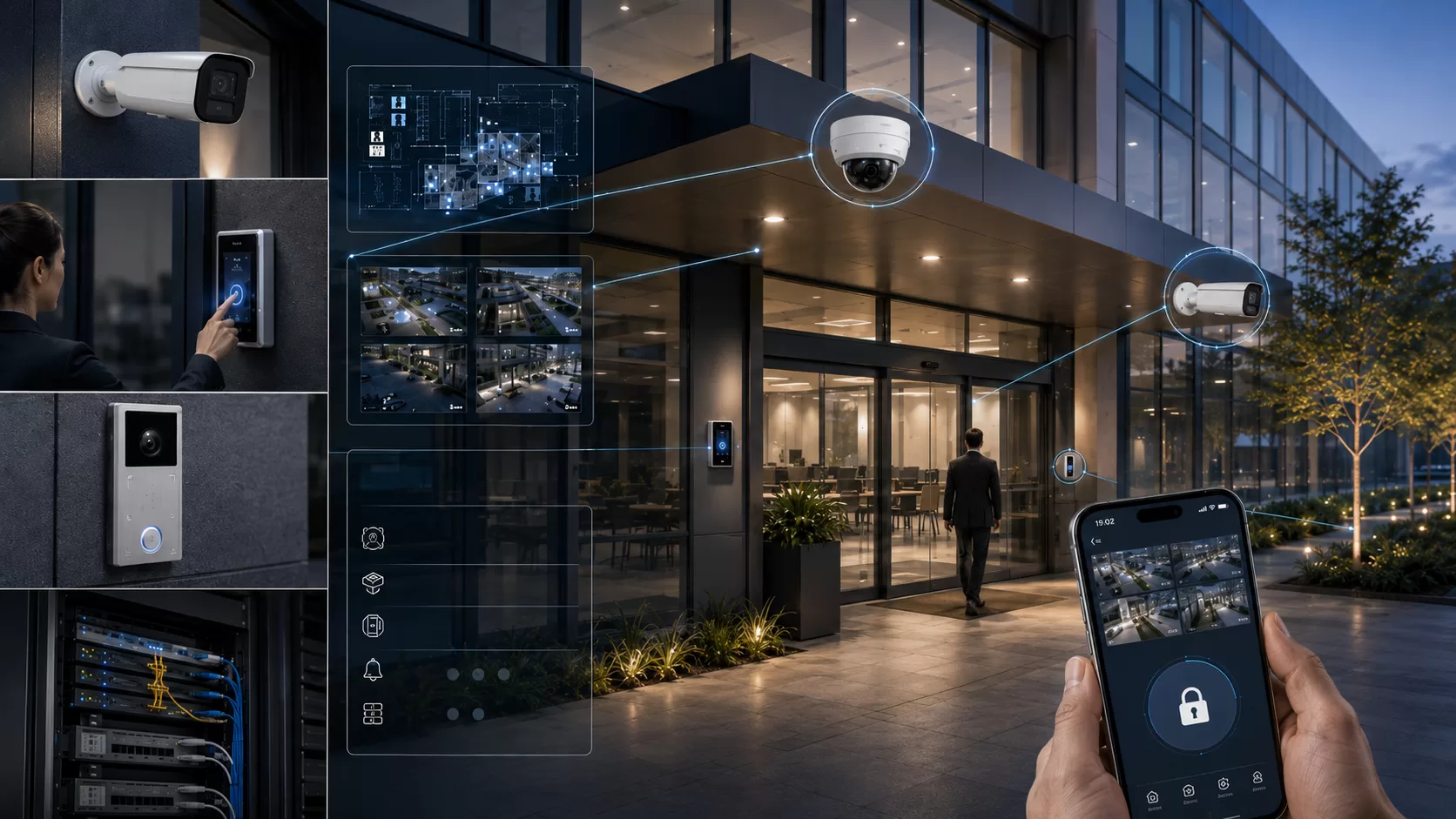
- Seamless CCTV Integration: Link door controllers to IP CCTV platforms such as HikCentral. Swiping an access card triggers an automated camera snapshot, verifying that the cardholder matches the credential.
Keycards, Fingerprint, Face, or Mobile: Which Is Right for You?
No single authentication credential fits every operational environment. The ideal method balances throughput speed, environmental durability, and required security levels.
Technology comparison:
- RFID Keycards (Mifare / Desfire): Cost-effective and rapid. Ideal for high-density environments like commercial towers and schools. Downside: Physical cards can be shared or lost.
- PIN Codes: Requires no physical token. Useful for shared maintenance closets or after-hours secondary entry. Downside: Codes can be shared or shoulder-surfed.
- Biometric Fingerprint: Completely eliminates buddy-punching and credential lending. Downside: Performance degrades in dusty, oily, wet conditions or where staff wear gloves.
- Facial Recognition Terminals: Ultra-fast, touchless, hygienic, and highly secure. Ideal for corporate headquarters. Downside: Requires careful lighting alignment to avoid direct backlighting glare.
- Mobile Phone Credentials (BLE / NFC): High convenience and eliminates plastic card printing. Downside: Requires compatible readers and uniform mobile device management.
In practice, a hybrid architecture—such as facial recognition at primary reception, RFID cards on internal office corridors, and two-factor authentication (card + biometric) on server rooms—delivers the optimal balance.
Key Technical Considerations Before Installation
Before procuring hardware or installing cabling, project owners should evaluate several physical and structural factors to avoid costly site modifications:
Essential site readiness checklist:
- Door & Jamb Architecture: Frameless glass, narrow-stile aluminum, or heavy solid wood determine whether electromagnetic locks, dropbolts, or strikes and brackets are required.
- Swing Direction: In-swing, out-swing, or double-acting swing doors dictate bracket types (L-bracket, Z-bracket, or specialized glass U-brackets).
- Power Source & Cable Pathway: Dedicated 220V power points above the ceiling and concealed conduit paths from the door leaf to the central power supply box.
- User Capacity & Scalability: Ensure controllers support expected user counts (e.g., 1,000 to 10,000 users) and modular multi-door expansion (2-door, 4-door, or 8-door controllers).
- Uninterruptible Power Supply (UPS): Integrate regulated power supply units with 12V 7Ah sealed lead-acid battery backup to maintain operation during municipal power fluctuations.
Why Professional On-Site Assessment Is Crucial
Access control integrates physical architectural carpentry, high-precision electromechanical hardware, and life-safety compliance. Assessing requirements solely from photographs frequently overlooks critical structural realities.
Common pitfalls of uninspected installations include sagging door hinges that misalign magnetic armatures, inadequate jamb depth for dropbolt housings, or pinched flex cables on high-cycle doors.
A thorough physical site assessment by experienced security technicians verifies door weights, clearances, conduit pathways, and egress regulations, ensuring dependable long-term performance.
Design & Installation Services by NPTech Solutions
NPTech Solutions provides end-to-end security system design, hardware procurement, and installation across Udon Thani and the Upper Northeast region.
We specify enterprise-grade hardware tested for sustained operational reliability, capable of unified integration with IP CCTV and network infrastructure. Our technician team conducts thorough site evaluations to deliver access control systems tailored to your facility, security objectives, and long-term expansion plans.
Plan Your Security & Access System
NPTech Solutions provides free on-site survey and system sizing in Mueang Udon Thani. Receive transparent estimates with dedicated local post-installation support.
- Free on-site survey in Mueang Udon Thani
- Transparent itemized quotation (hardware & labor)
- Local technician & maintenance team
Frequently Asked Questions
Related Blogs & Guides
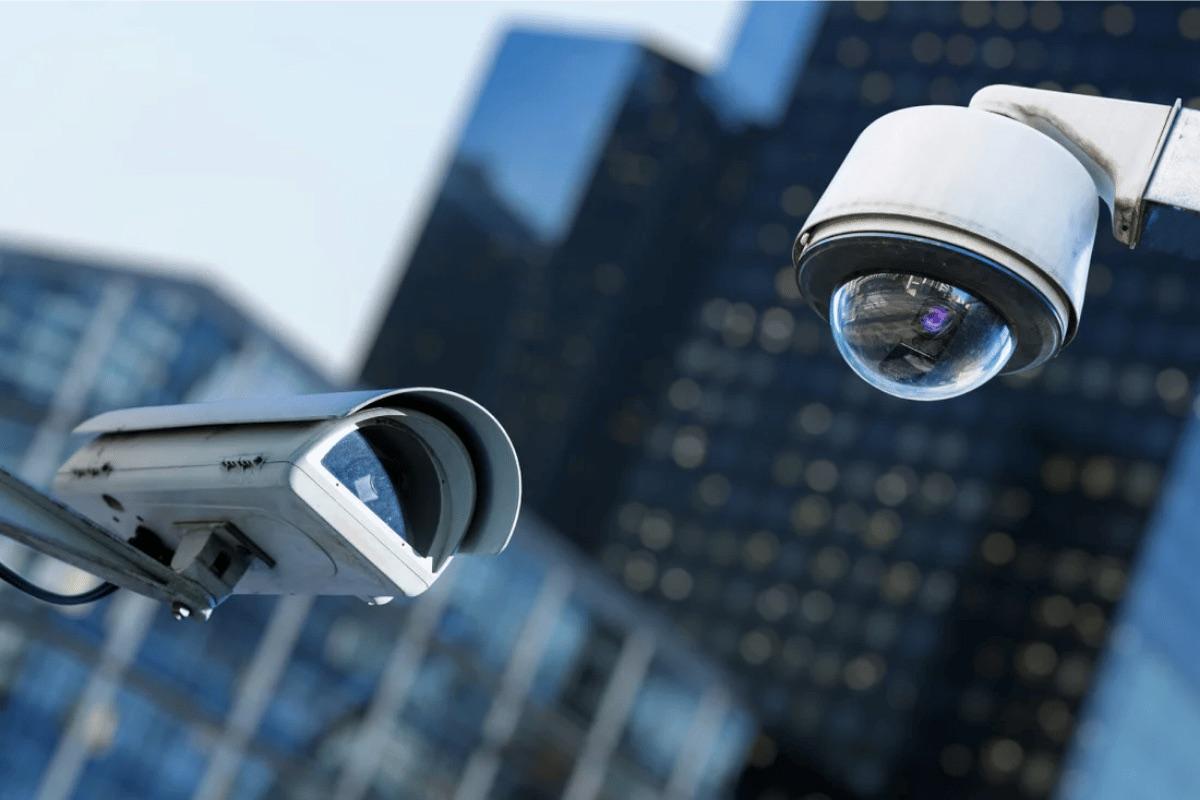
Guide to Choosing CCTV for Homes and Businesses in Udon Thani
An in-depth guide to choosing and installing CCTV cameras suited for the weather and security needs in Udon Thani and Northeast Thailand.
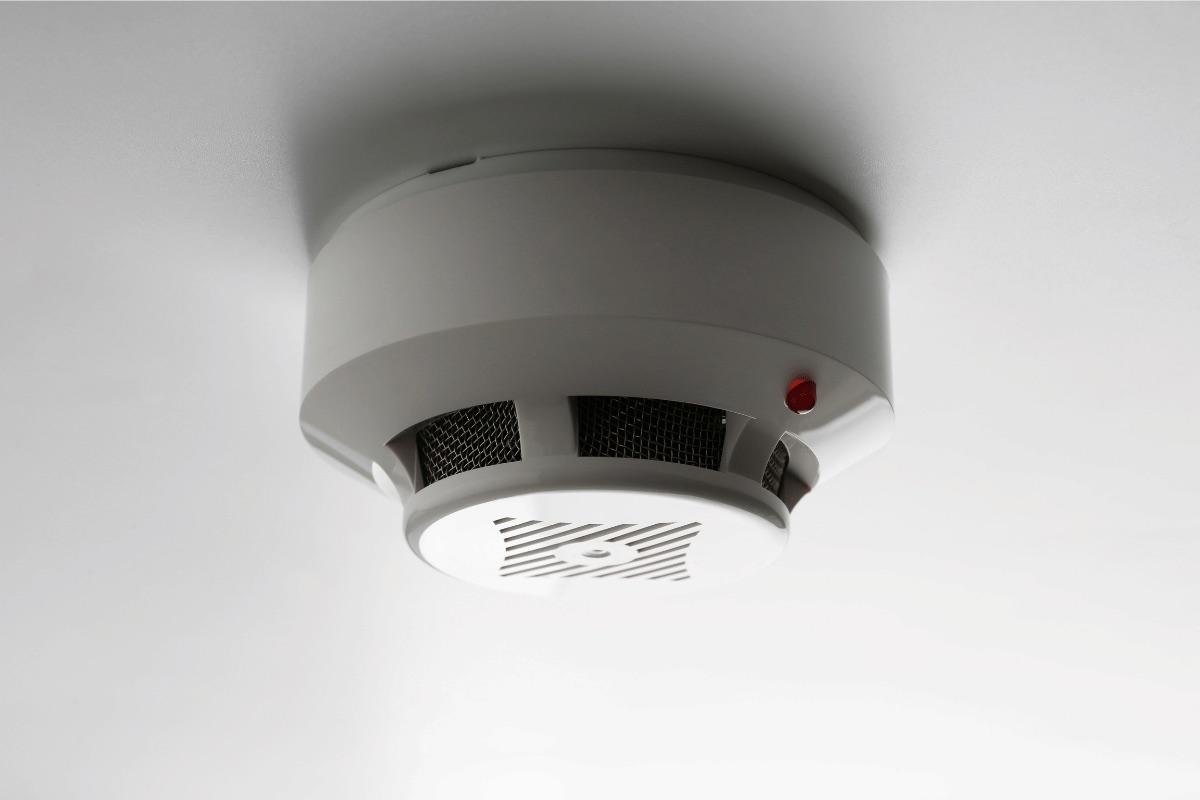
Integrated Security Connecting CCTV Access Control and Alarm Systems
The best security system is not the one with the most hardware, but the one where every component communicates. Learn how CCTV, Access Control, and alarms create a unified defense loop.
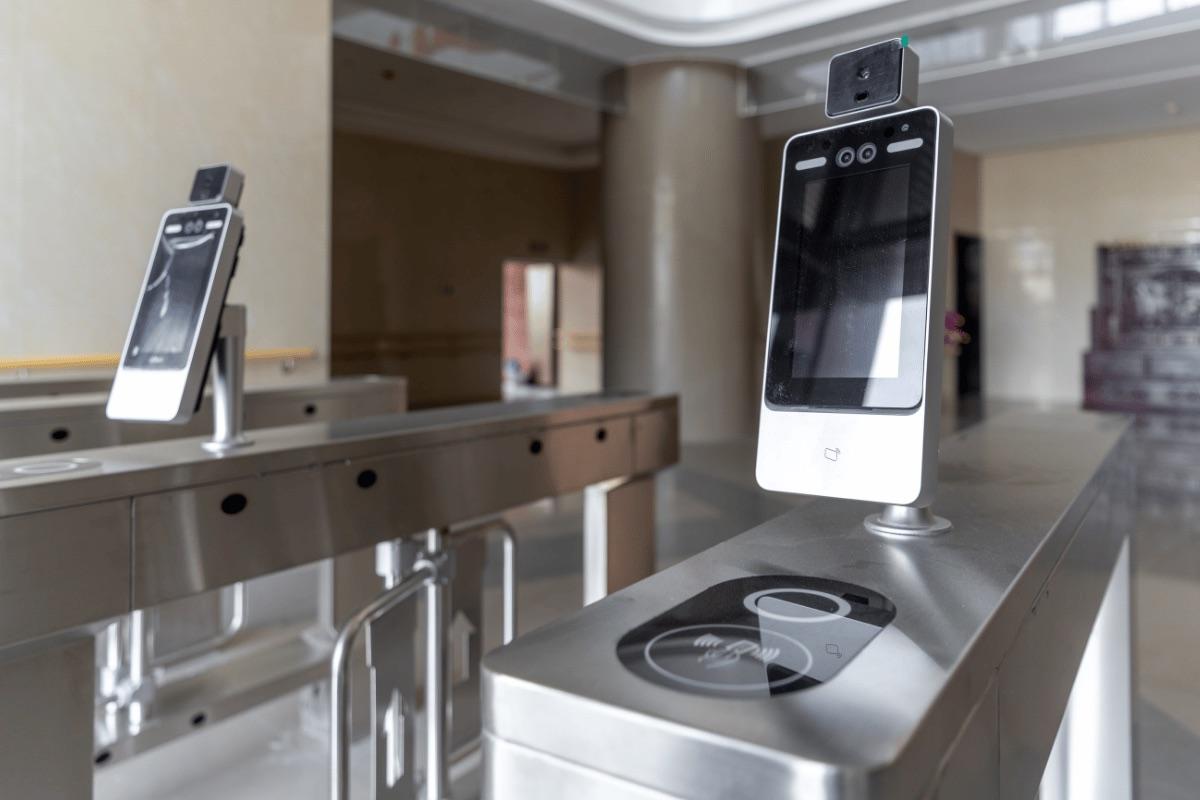
Multi-Branch Security with Unified CCTV and Access Control
The branch you are not at is the one most likely to have problems. Here is how business owners in Udon Thani and Isan are building unified CCTV and access control systems they can manage from a single phone.